日本語
毎日 通常購入しなくては使用できないソフトウエアを無料で提供します!

Change My Folder Icon 1.0< のgiveaway は 2021年10月31日
本日の Giveaway of the Day

どこからでも、あらゆるデバイスからリモート デスクトップまたはラップトップを制御します。

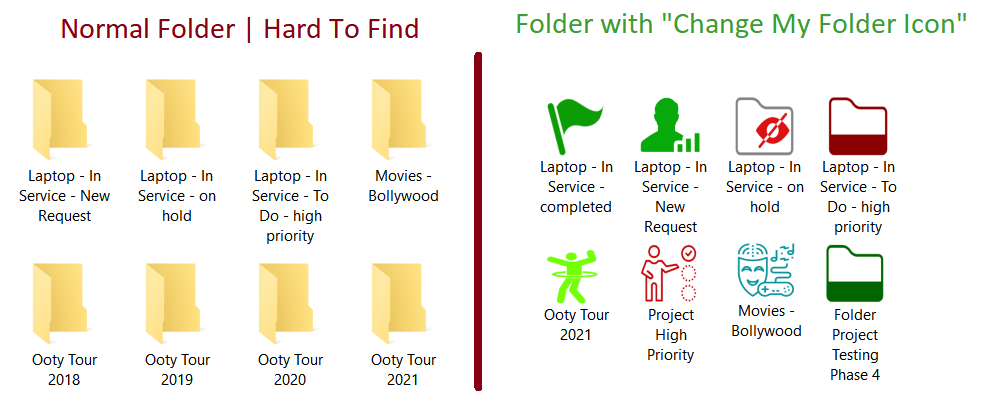
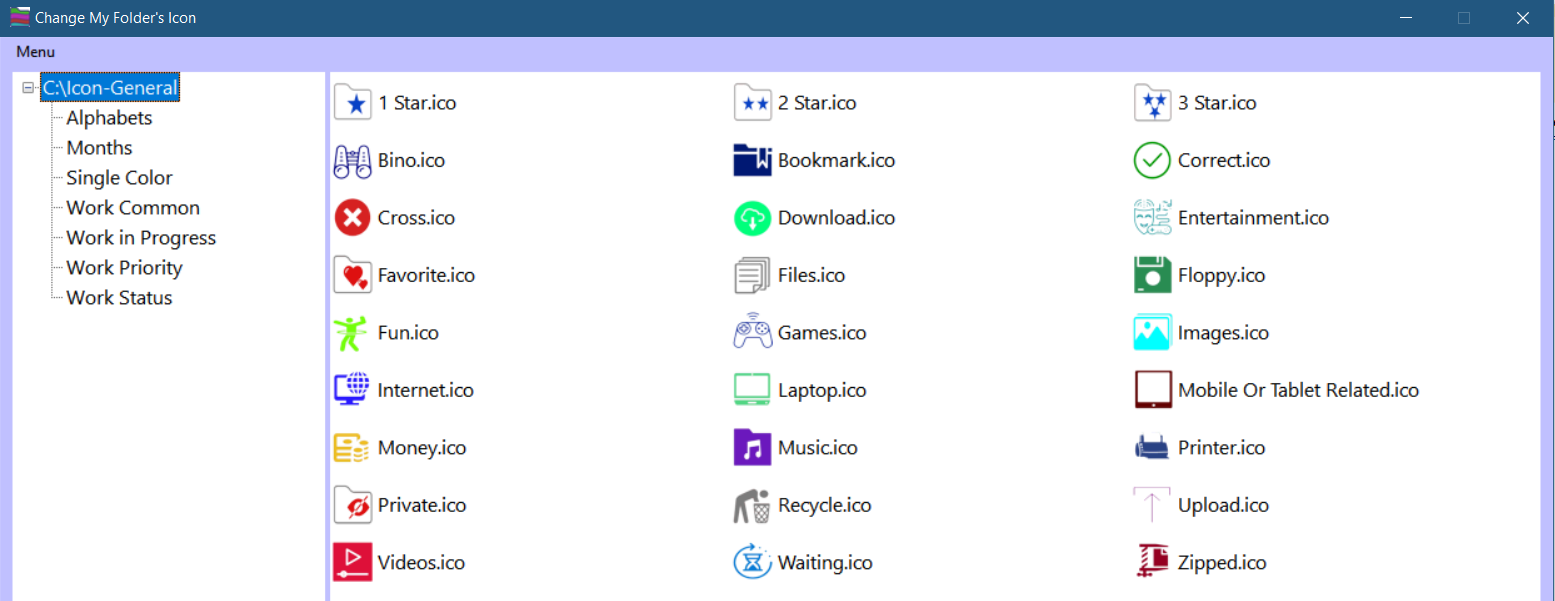
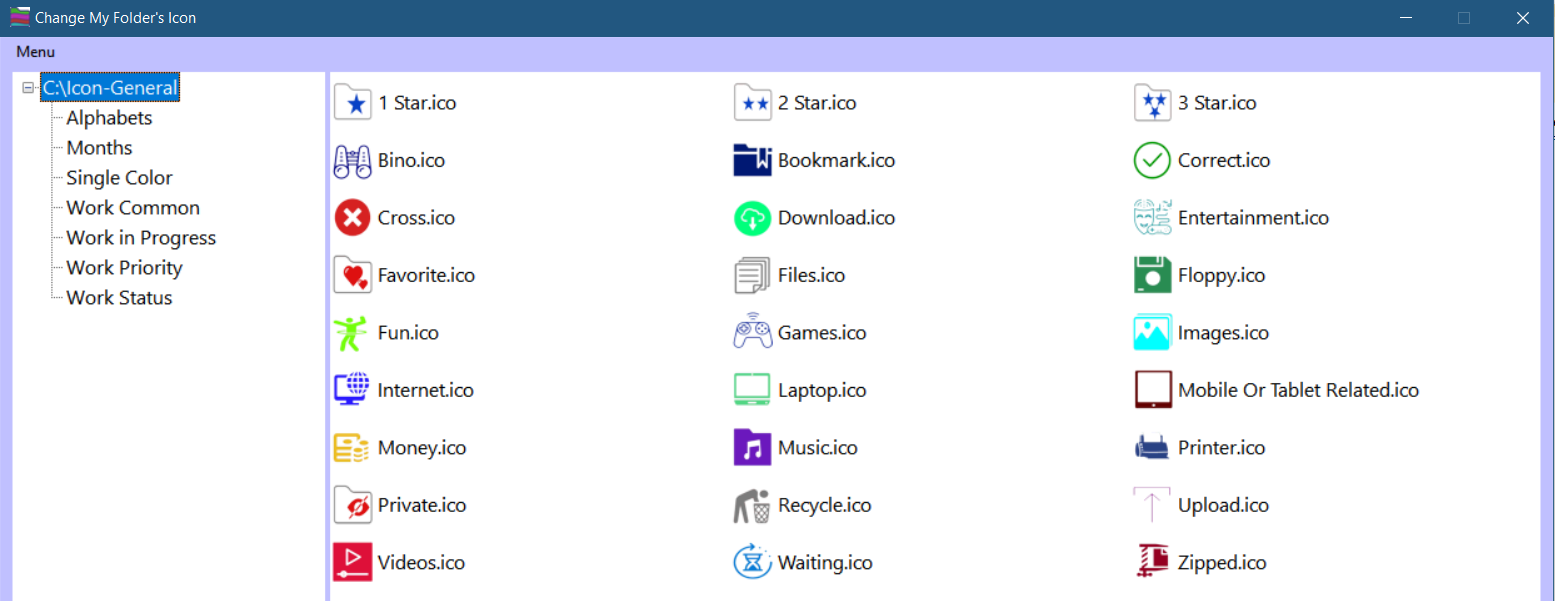
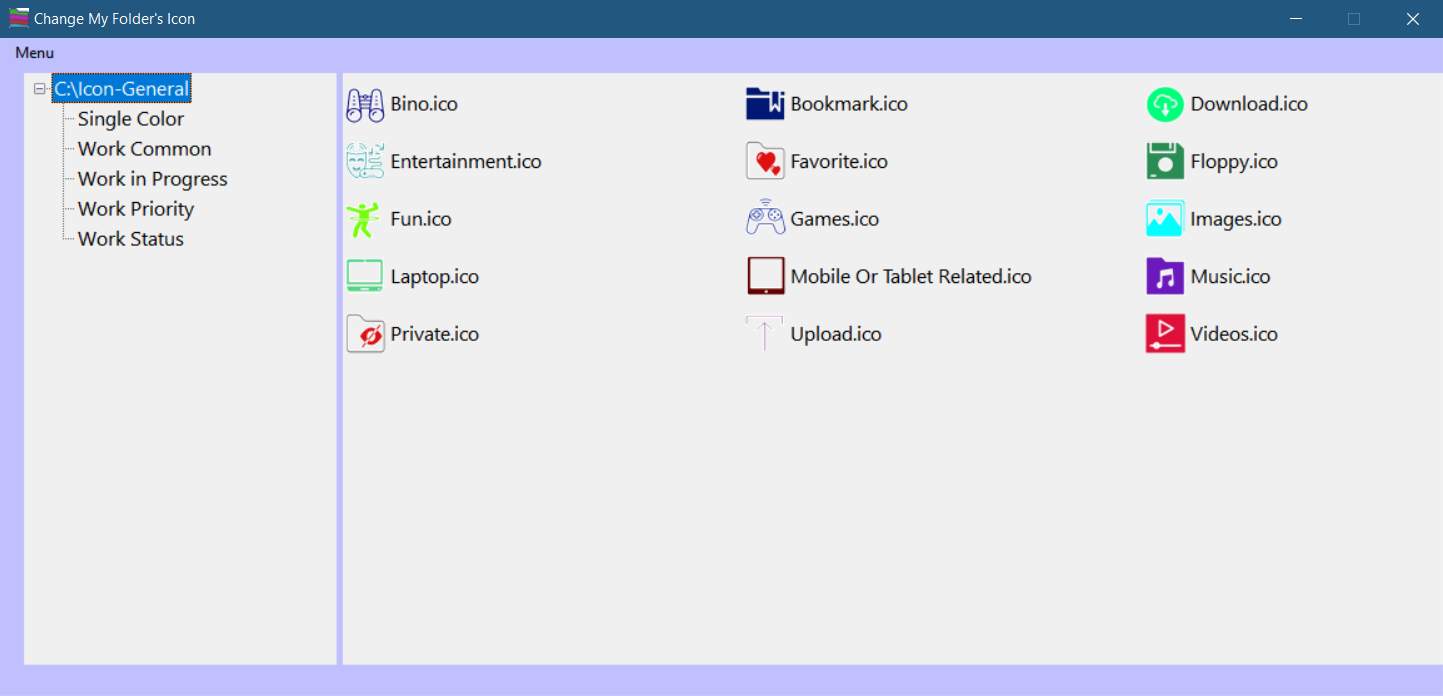
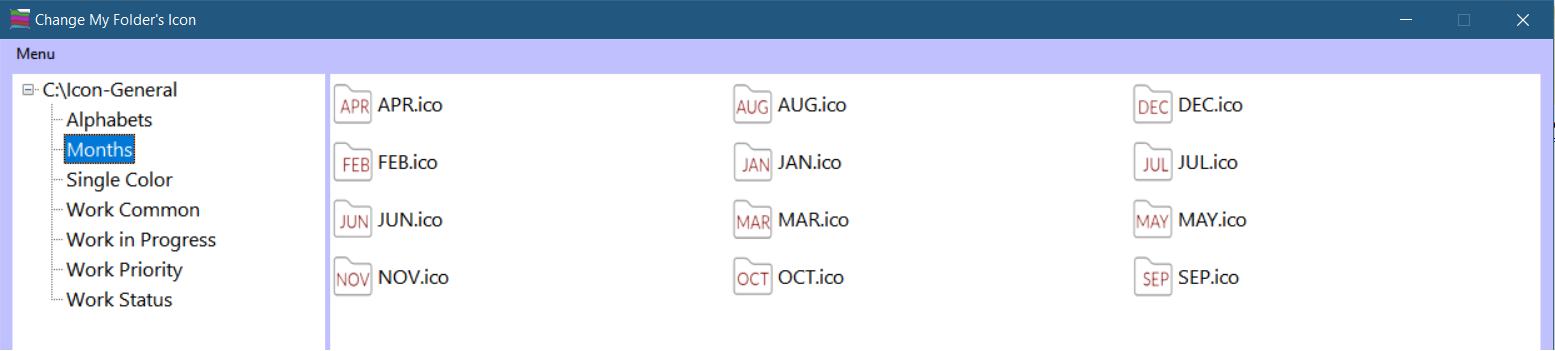
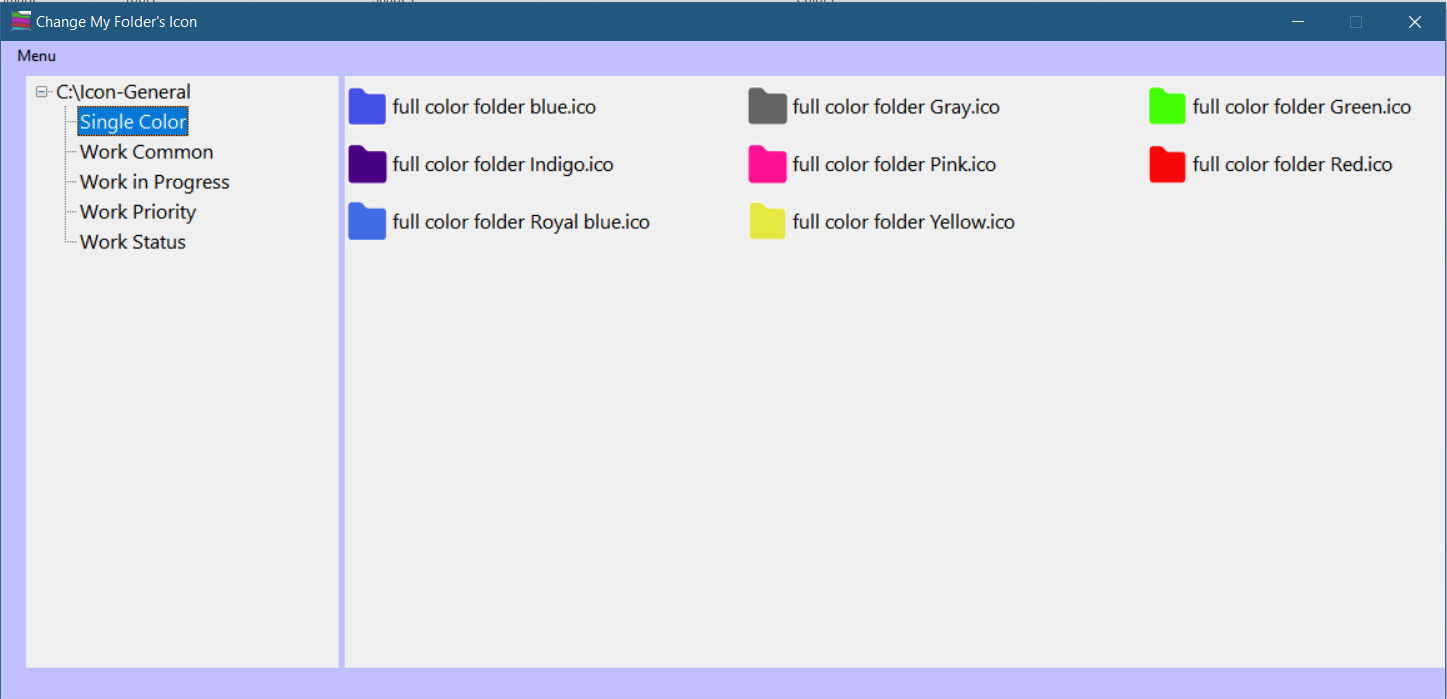
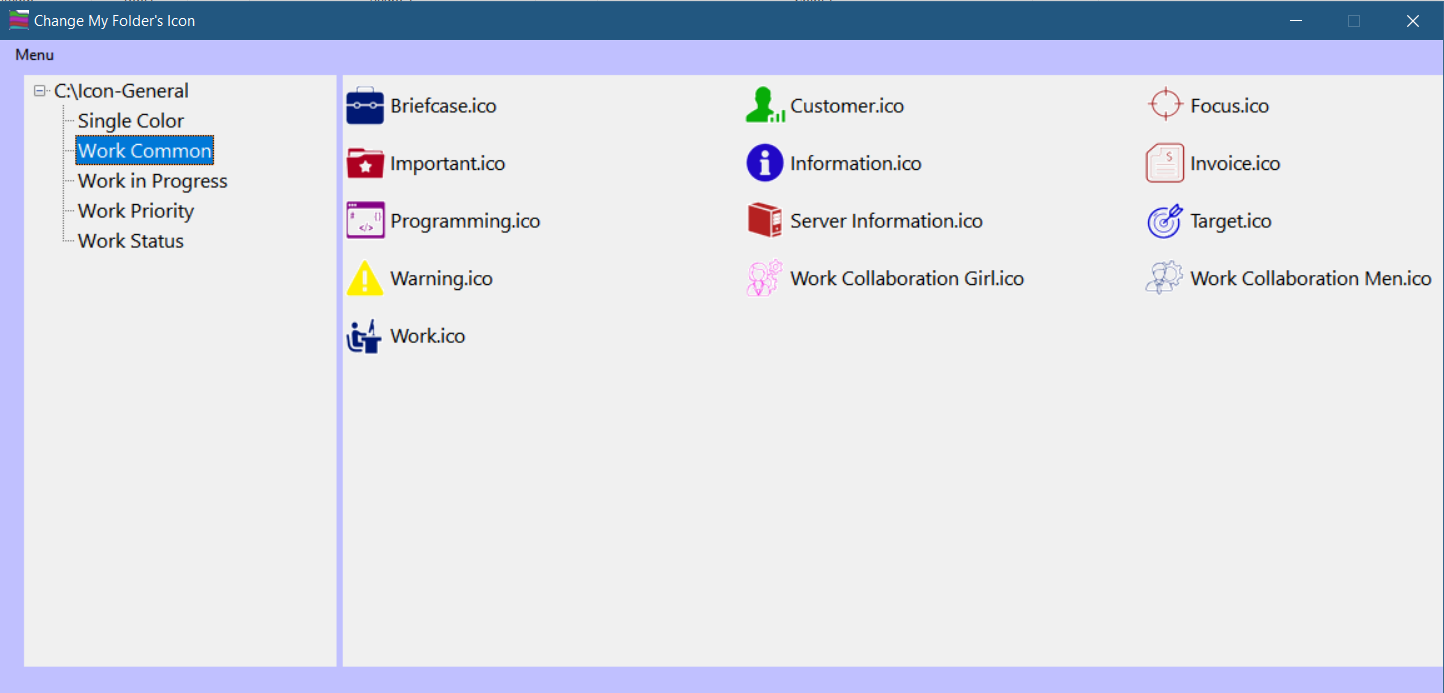
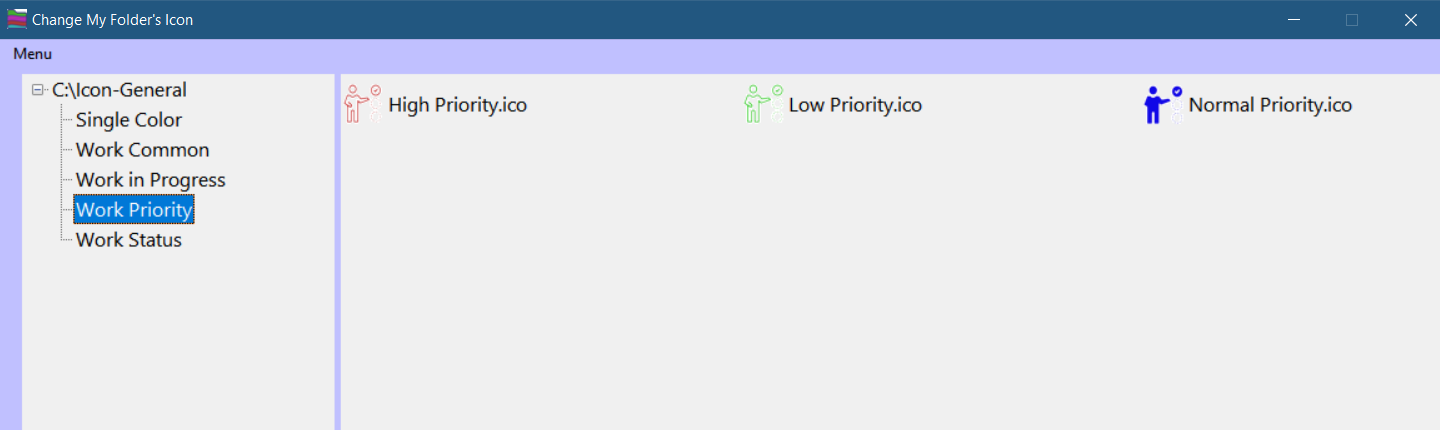
Windows PC /ラップトップにダース以上のフォルダがありますか? 作業中の黄色いフォルダを検索したり見つけたりするのは、退屈で難しいことはありますか? Change My Folder Iconソフトウェアは、フォルダアイコンを簡単に変更してフォルダを整理し、美しく意味のあるICONで検索したり読んだりせずに、ステータス、優先度、またはカテゴリに基づいてフォルダを検索することで生産性を向上させるユーティリティです。次のカテゴリに基づいてフォルダアイコンを適用します(80以上のアイコン): 進行状況、優先度、ステータス、一般的な作業関連アイコンによる作業アルファベット順、月間、およびエンターテインメント、ゲーム、音楽、ビデオ、フォーカス、単色などの汎用用途に含まれるアイコン。
The current text is the result of machine translation. You can help us improve it.
必要なシステム:
Windows 11/ 10/ 8/ 7; .net framework 4.5 or above
出版社:
SQL Plannerホームページ:
https://www.mssqlplanner.com/change-my-folder-icon/ファイルサイズ:
3.5 MB
Licence details:
Lifetime, no updates
価格:
$18.60
GIVEAWAY download basket

Developed by Microsoft

Developed by Repkasoft

Developed by Finalhit Ltd.

Developed by Stardock Corporation
iPhone 本日のオファー »

$19.95 ➞ 本日 無料提供

$0.99 ➞ 本日 無料提供

Every Day Spirit is a collection of beautiful, original, hand-crafted wallpapers created to make your phone look amazing.
$0.99 ➞ 本日 無料提供

$4.99 ➞ 本日 無料提供

$1.99 ➞ 本日 無料提供
Android 本日のオファー »

$0.99 ➞ 本日 無料提供

$0.99 ➞ 本日 無料提供

Spelling Right is a new challenging educational spelling game that will test your English spelling skills.
$2.29 ➞ 本日 無料提供

$0.99 ➞ 本日 無料提供

$1.49 ➞ 本日 無料提供
コメント Change My Folder Icon 1.0
Please add a comment explaining the reason behind your vote.
So.
The FIRST icon I wanted to change was an alphabet Icon.
For '"CHange my Folder."
Guess what?
There is NO "C"!!!
So.
I come here and see that this is ONLY good for 25 changes in a year.
So I tried K and you can't read the letters in the outline of the folder.
Now, I gather that changing my mind and changing it to another icon uses up another of my 25 options.
Plus, there is NO icon for returning to normal.
When you go into Properties, you CAN change it back.
But it ALSO says, "If you change the icon, it will no longer show a preview of the folder's contents."
Which is helpful.
Now I'm trying to remove it and I deleted both the zip file and unzip file.
Then I went to CCleaner and the program was no longer listed
So I tried right clicking a folder and the Change FOlder icon was still listed.
Looks like it's permanently installed with no option to remove it.
While I was looking this up, I found this:
"HOW TO CHANGE YOUR FOLDER ICONS in WINDOWS 10
Change Folder Colors in Windows 10 without any Software
Go to the Specific Folder > Right-click on it, Choose properties.
Choose Customize from the top bar.
Open the Change Icon as shown in image > new Windows will open.
Choose any icon of your own choice.
Click OK to save the changes."
This is a free, already-included-option. You don't NEED this program.
And you certainly don't need to pay for it.
Ciao, baby.
Save | Cancel
No, just no, absolutely not ........
Very simple and limited. Can't imagine anyone paying $18+ retail. For me, it is not worth $0.
- Lacks functionality: it would be useful if it had an icon builder
- Lacks icons: has very few icons and those are mostly work-project-scheduling related.
- Won't allow install on my D: even tho that choice is given
- Under , it stated one [1] year or 25 uses, NOT Lifetime
That's as far as I got
Deleted
Save | Cancel
what !!!!!
the readme says the software is pre-activated, yet the about menu of the software says it is running in trail mode and will expire after 25 icon changes.
Save | Cancel
No option to specify installation folder - makes it a non-starter for me.
Save | Cancel
A handy tool with a fatal flaw. tchandan kumar - You cannot argue your way out of it. The license is inappropriate. There may be an argument that the cripple is not myopic, but it makes this download a pointless exercise.
This tool adds zero functionality to Windows. $5 shareware.
Save | Cancel